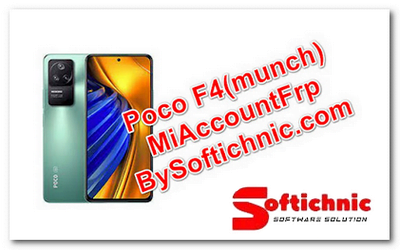
Poco f4 (Munch) Mi Account frp Fastboot Fixed file
Poco f4 (Munch) modify the flash file
Online Flashing Unlocking Available Contact ME
Support Waya Teamviwer
Direct Click Whatsapp/+91 9289915006
File Name: Poco f4 (Munch) Mi Account frp Frp Fastboot FIX
| File Size: 4GB |
| Poco f4 (Munch)Mi_Account_FRP_BY_SOFTICHNIC.COM: Download |
| XiaoMi_Flash_Qualcomm_latest-tool_by_softichnic.com Download |
| Driver Qualcomm Mtk Run new Qualcomm: Download |
| More file:- Redmi All Model Mi Account FRP File: Download |
HOW TO CREATE MI ACCOUNT
It seems like you’re looking for information about a “Poco F4 Mi account.” If you’re referring to setting up or managing a Mi account on a Poco F4 smartphone, here are the general steps to create or access a Mi account:
1. **Creating a Mi Account**:
a. Go to the “Settings” on your Poco F4.
b. Scroll down and find the “Mi Account” option.
c. Tap on “Mi Account” and then select “Create Account.”
d. Follow the on-screen instructions to fill in your details, such as your email address and phone number, and set a password.
e. You’ll receive a verification code on your provided email or phone number. Enter the code to verify your account.
f. Once your account is verified, you can use it to access various Xiaomi services and features.
2. **Accessing an Existing Mi Account**:
a. If you already have a Mi account, go to “Settings.”
b. Scroll down and select “Mi Account.”
c. Enter your login details, such as your email address and password.
d. If you’ve forgotten your password, you can use the “Forgot password” or “Reset password” option to recover your account.
Please note that the specific steps and options may vary slightly depending on the version of MIUI and Android running on your Poco F4. Ensure that you have a stable internet connection and follow the on-screen instructions when creating or accessing your Mi account.
If you encounter any issues or need more specific information, you might want to visit the official Xiaomi website or contact Xiaomi’s customer support for assistance.