
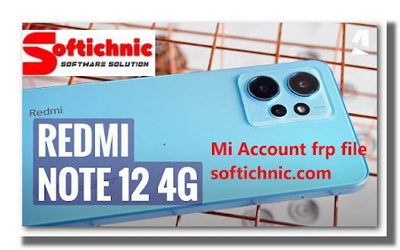
Redmi Note 12 4G after updating logo fix mi account frp modifying Flash this file all fix.
How To Flashing And mi account remove
Mobile power off press vol down and power key same time uper display show fastboot
connect usb open usb 197 ask ip and enter ip recoenct usb check step 2 show
then open ping.eu send ip adress im fdl your device auto reboot edl mode
then open flash tool file select and refress click start dont touch any error wait sum time key genrate
send key bect price
File Redmi Note 12 4G (Tapas)_Mi_Account_FRP_Fastboot_FiX
| File Size: 4GB |
| Redmi Note 12 4G (Tapas)_Mi_Account_FRP_Fastboot_FiX_Softichnic.com: Download |
| XiaoMi_Flash_Qualcomm_latest-tool_by_softichnic.com Download |
| Driver Qualcomm Mtk Run new Qualcomm: Download |
| More file:- Redmi All Model Mi Account FRP File: Download |
review
I apologize, but I still don’t have information on the Redmi Note 12 4G since my last update in September 2021. If the device has been released after that date, I won’t have details about its specifications, features, or reviews. To get the most accurate and current information, I recommend visiting Xiaomi’s official website, checking out reputable tech review websites, and exploring user discussions on forums and social media platforms. These sources should provide you with comprehensive insights into the Redmi Note 12 4G’s performance, design, camera capabilities, battery life, and other relevant aspects.